
Coding
SQL Server 2012 introduced groundbreaking enhancements that transformed database management. These 10 features redefine performance, security, and scalability for developers and administrators alike—explore what makes this version a must-upgrade.
AlwaysOn Availability Groups
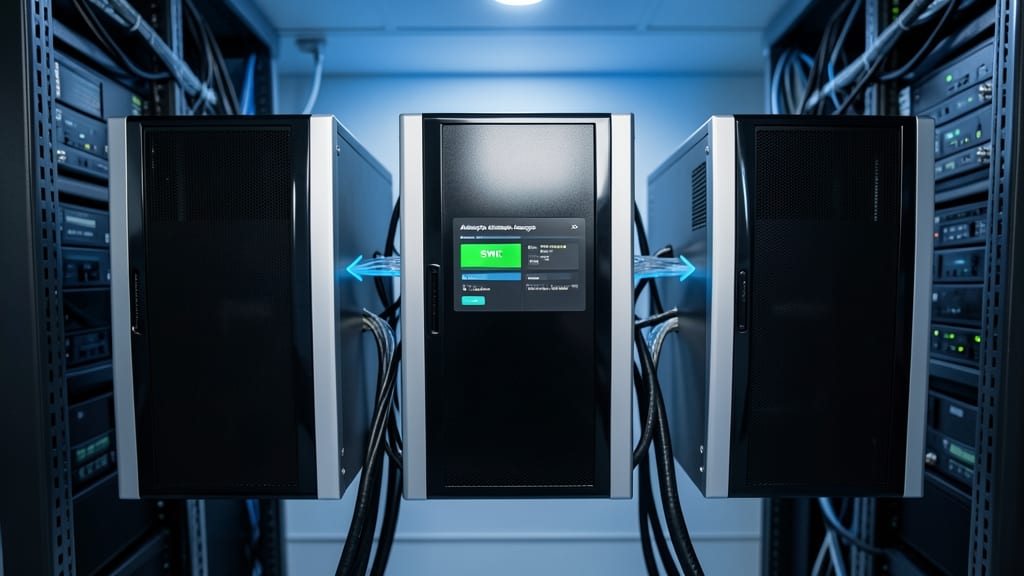
Mission-critical applications demand zero tolerance for downtime—and SQL Server 2012’s AlwaysOn Availability Groups delivers exactly that. This game-changing feature replaces older mirroring solutions with synchronous data replication across multiple servers, ensuring real-time failover without manual intervention.
With support for up to 8 secondary replicas, you can distribute workloads geographically while maintaining transactional consistency. The automatic failover capability kicks in within seconds, and built-in health monitoring keeps your environment resilient. Unlike traditional mirroring, AlwaysOn supports readable secondaries, offloading reporting queries to reduce primary server load.
Perfect for finance, healthcare, or e-commerce systems where uptime equals revenue, this feature turns "high availability" from a buzzword into a battle-tested setup. ⚡
Columnstore Indexes for Data Warehousing

If your data warehouse queries are slower than a dial-up connection, Columnstore Indexes might just be your lifesaver. Introduced in SQL Server 2012, this feature redefines how large datasets are processed by storing data vertically instead of horizontally, drastically improving query speeds for analytical workloads.
With Columnstore Indexes, you can achieve 10x faster query performance on massive datasets by compressing and storing data column-wise. This is especially useful for data warehousing and reporting systems where large-scale aggregations and scans are common. The feature also reduces storage requirements and lowers I/O costs, making it ideal for environments dealing with terabytes of data.
This feature is a game-changer for business intelligence teams and data analysts who need to run complex queries on large datasets quickly and efficiently. ⚡
Contained Databases with User-Defined Roles

Tired of server-level dependencies slowing down your database deployments? Contained Databases in SQL Server 2012 break the mold by isolating databases from the server instance itself. This means you can move databases between servers without reconfiguring logins, linked servers, or even the server instance—just copy and go.
The magic happens with user-defined roles that let you assign permissions at the database level, independent of server logins. Need to spin up a new tenant environment? Simply deploy a contained database with its own roles and permissions—no server-wide changes required. Plus, contained authentication means databases can manage their own users, reducing administrative overhead in multi-tenant setups.
This feature is a game-changer for hosting providers, SaaS developers, and enterprises managing complex multi-tenant architectures. Say goodbye to server-level dependencies and hello to true database portability. ✨
Windows Server Core Support

Cutting through the bloat of traditional Windows Server deployments, SQL Server 2012’s native support for Windows Server Core delivers a leaner, more secure foundation for your database workloads. This minimalist installation strips away the GUI and unnecessary services, leaving only the essential components—reducing your attack surface by up to 90% while slashing resource consumption.
With Windows Server Core, you gain lower memory and CPU overhead (ideal for cloud VMs with limited resources) and simplified patch management through PowerShell automation. The 64-bit only requirement ensures compatibility with modern hardware, while support for SQL Server failover clustering maintains high availability—all without the bloat of a full desktop environment. Perfect for DevOps teams managing scalable cloud deployments.
This feature is a game-changer for cloud providers and virtualized environments, where every MB of memory and CPU cycle counts. ⚡
SQL Server Data Tools (SSDT) Integration
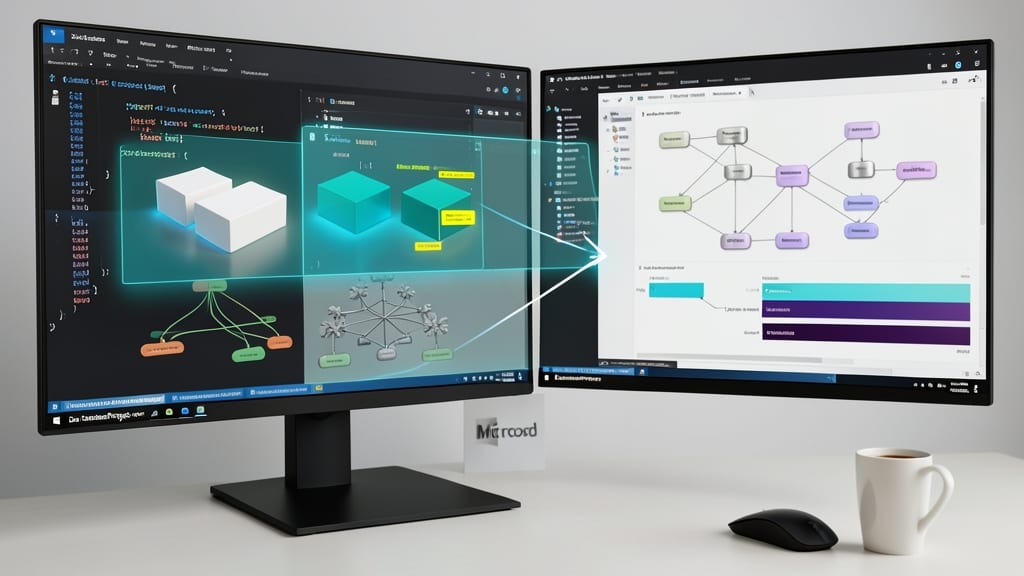
Tired of juggling separate tools for database development and deployment? SQL Server Data Tools (SSDT) bridges that gap by embedding schema comparison, version control, and deployment pipelines directly into Visual Studio 2010/2012. This integration lets you sync database schemas across environments with a single click, while built-in T-SQL debugging and unit testing streamline quality assurance.
The real game-changer is zero-config CI/CD integration—SSDT projects generate deployment scripts that work with Team Foundation Server or even standalone SQL Agent jobs. You’ll love the schema comparison tool, which highlights differences between environments in real-time, and the ability to migrate data alongside schema changes without manual scripting. For teams using Visual Studio, this eliminates context-switching between IDEs and SQL Management Studio.
Database developers and DevOps engineers will find SSDT’s project-based workflow a lifesaver for maintaining consistency across dev, test, and production. It’s especially valuable for teams adopting agile practices where database changes happen frequently. 💻
Contained Database Authentication

Tired of managing server-level logins for every database? Contained Database Authentication in SQL Server 2012 lets you store credentials inside the database itself—no more juggling server-wide logins or permissions. This feature simplifies administration by isolating authentication, making it easier to move databases between servers without breaking access.
With Contained Database Authentication, you can create database-scoped logins and contained users, eliminating dependencies on the server’s master database. This reduces attack surface by limiting exposure of sensitive credentials and streamlines deployments in multi-tenant environments. The best part? You can even export and import databases with their authentication intact—no manual reconfiguration needed.
This feature is a game-changer for DBAs managing cloud or hybrid environments, where portability and security are critical. It also cuts down on setup time for new databases by letting you define permissions at the database level. ✨
Power View for Interactive Data Visualization
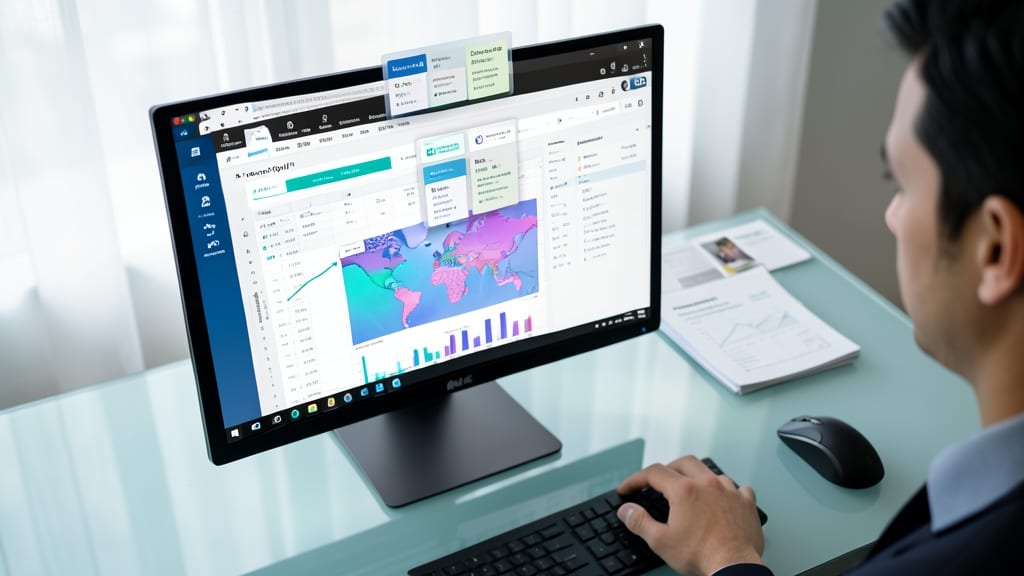
Tired of waiting for IT to generate reports? Power View in SQL Server 2012 lets business analysts create interactive dashboards directly in Excel—no SQL queries required.
This self-service BI tool integrates with SQL Server Reporting Services (SSRS) and Excel 2013+, offering drag-and-drop functionality for charts, maps, and tables. It supports real-time filtering, drill-down capabilities, and data visualization without coding—perfect for turning raw data into actionable insights.
Ideal for teams needing ad-hoc reporting or collaborative analytics, Power View bridges the gap between technical and non-technical users. ✨
SQL Server Data Quality Services
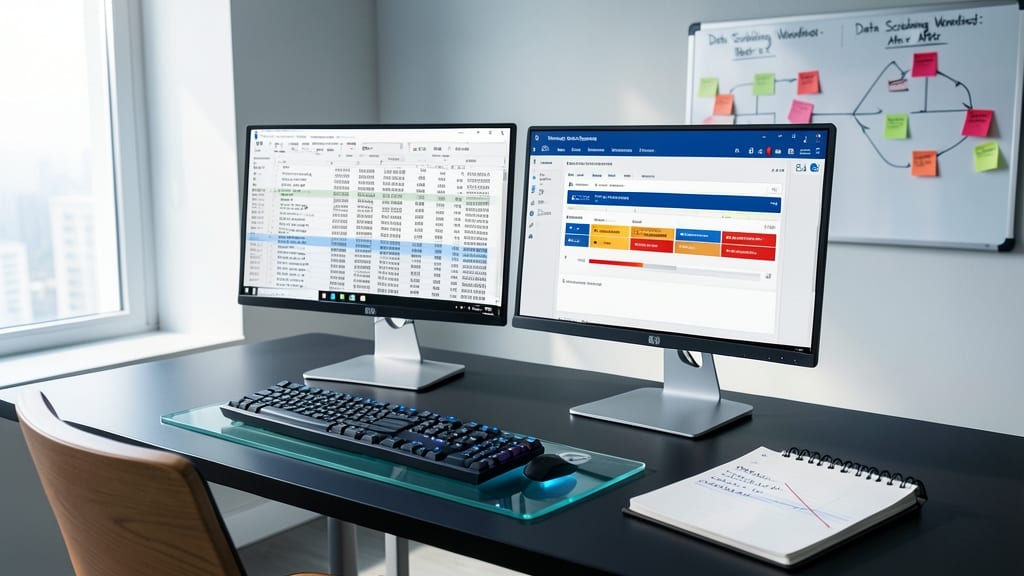
Tired of spending hours manually scrubbing datasets for compliance reports? SQL Server Data Quality Services (DQS) automates data profiling, cleansing, and standardization—saving you time while ensuring accuracy for regulated industries like finance and healthcare.
This feature includes built-in data quality rules, customizable matching policies, and integration with Master Data Services (MDS) for centralized data governance. You can profile datasets to identify inconsistencies, then apply automated cleansing workflows to standardize formats, correct errors, and enrich data—all without writing complex scripts. The DQS client interface makes it easy to define rules and monitor results in real time.
Perfect for compliance teams, data stewards, and analysts who need to maintain high-quality datasets while reducing manual effort. Whether preparing for audits or feeding clean data into analytics tools, DQS streamlines the process. ✨
SQL Server 2012 AlwaysOn Failover Clustering

When hardware failures strike or maintenance windows loom, SQL Server 2012 AlwaysOn Failover Clustering steps in as your automated safety net. Unlike manual failover setups, this feature ensures near-instantaneous recovery by synchronizing multiple nodes in a cluster—keeping your databases online even during critical outages.
With synchronous commit and automatic client redirection, you gain failover times measured in seconds, not minutes. The solution supports up to 16 nodes in a single cluster, making it ideal for enterprise environments where uptime is non-negotiable. Plus, Windows Server Failover Clustering integration ensures seamless coordination with existing infrastructure.
This feature is a game-changer for financial systems, e-commerce platforms, or any mission-critical application where downtime translates to lost revenue. 💪
Enhanced Compression for Backup and Storage
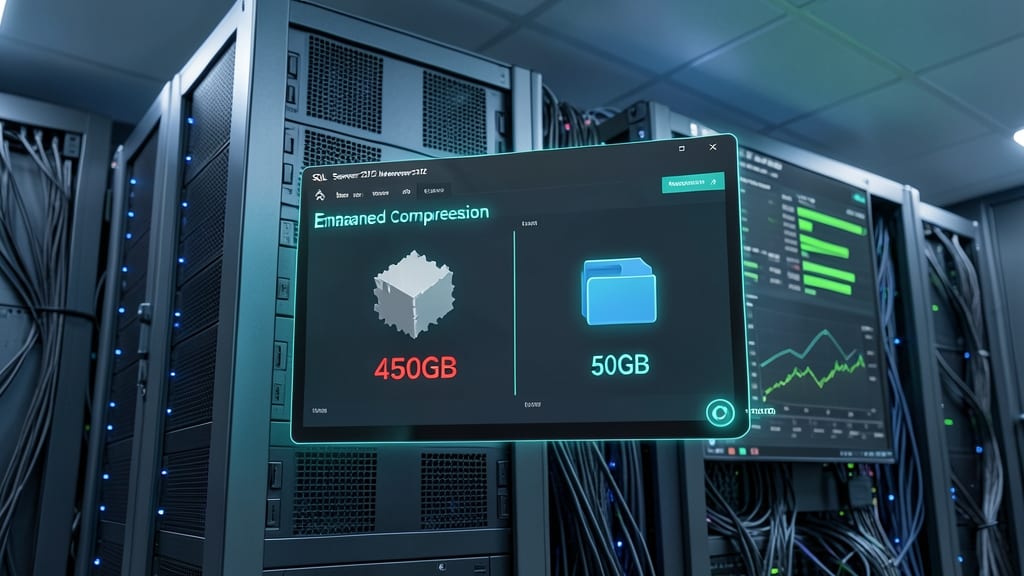
Struggling with bloated backups that eat up storage and slow down your nightly processes? SQL Server 2012’s Enhanced Compression feature delivers a game-changer with up to 90% reduction in backup sizes and faster restore times—without sacrificing data integrity.
This feature supports row-level compression (reducing storage by 2-3x) and page-level compression (cutting storage by 50-70%), while also accelerating backup operations. It’s especially valuable for large-scale databases where storage costs and backup windows are critical bottlenecks. The best part? Compression is applied transparently during backup operations, so you don’t need to modify your existing scripts.
Database administrators managing multi-terabyte environments or cloud-based deployments will see the most dramatic benefits, as this feature directly translates to lower storage costs and faster recovery times. ⚡