
Software
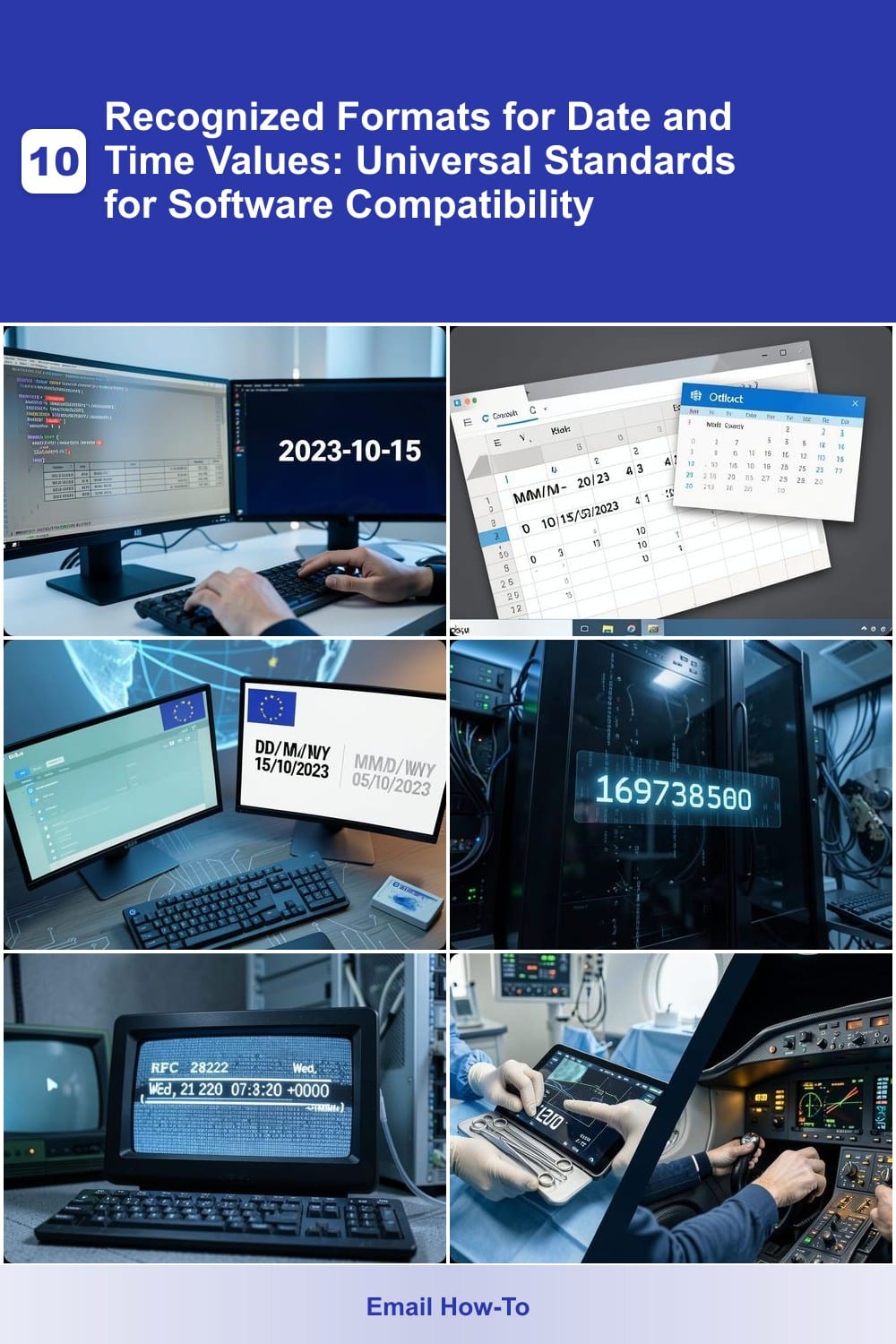
Software developers, data analysts, and IT professionals rely on standardized date and time formats to ensure seamless data exchange across platforms. These seven universally recognized formats guarantee compatibility in programming, databases, APIs, and international applications—reducing errors and streamlining workflows.
ISO 8601 Standard Format (YYYY-MM-DD)
If you’ve ever struggled with misaligned dates in international databases or API calls, ISO 8601 (YYYY-MM-DD) is the universal fix. This format isn’t just a standard—it’s the backbone of global software systems, ensuring dates like 2023-10-15 are interpreted the same way everywhere, from SQL queries to REST APIs.
The beauty of ISO 8601 lies in its machine-readable simplicity: years first, months second, and days last, with no ambiguity about slashes or dashes. It supports time zones (2023-10-15T14:30:00Z), fractional seconds, and even week-based dates—critical for logistics and scheduling. Most programming languages (Python, Java, JavaScript) parse it natively, and databases like PostgreSQL and MySQL default to it for storage.
Developers building cross-platform tools or international APIs should default to ISO 8601 to avoid the "10/15/2023" vs. "15/10/2023" nightmare. It’s the safest bet for databases, logs, and any system where precision matters. ⚡
US Short Date (MM/DD/YYYY)
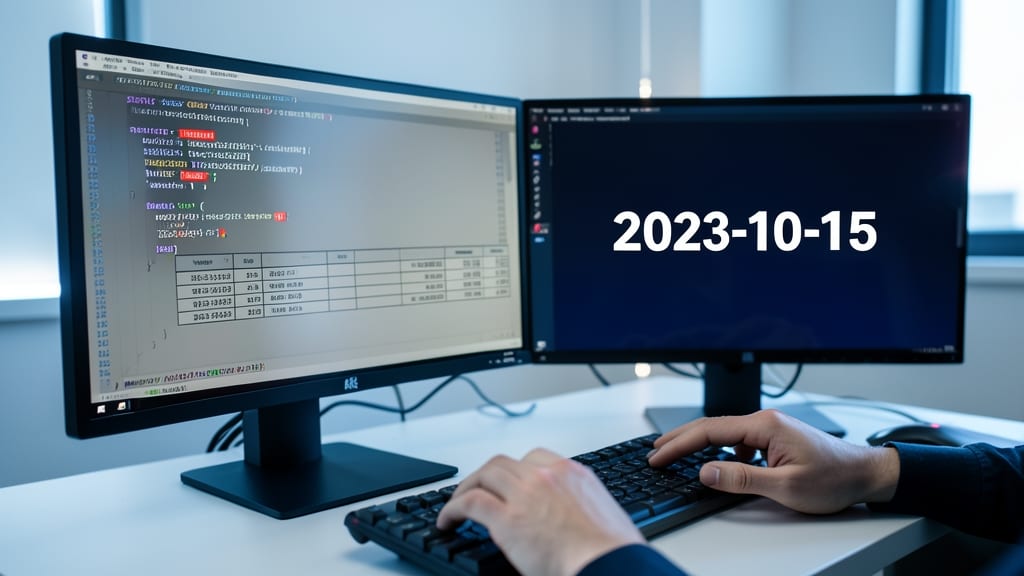
If you’ve ever opened an Excel spreadsheet or Outlook calendar in the U.S., you’ve seen the MM/DD/YYYY format—like 10/15/2023—hardwired into American business software. This isn’t just a convention; it’s the default for Microsoft Office, QuickBooks, and legacy enterprise systems, where consistency matters more than global compatibility.
The format’s strength lies in its brevity and familiarity to U.S. users, but its Achilles’ heel is ambiguity. Internationally, 10/15/2023 could mean October 15th or May 10th—leading to costly errors in global databases. That’s why developers often convert it to ISO 8601 (YYYY-MM-DD) for storage, while keeping the familiar display for local users.
This format is non-negotiable for U.S.-centric workflows, especially in finance and legal documentation, but requires explicit handling in cross-border systems. ⚡
European Date Format (DD/MM/YYYY)
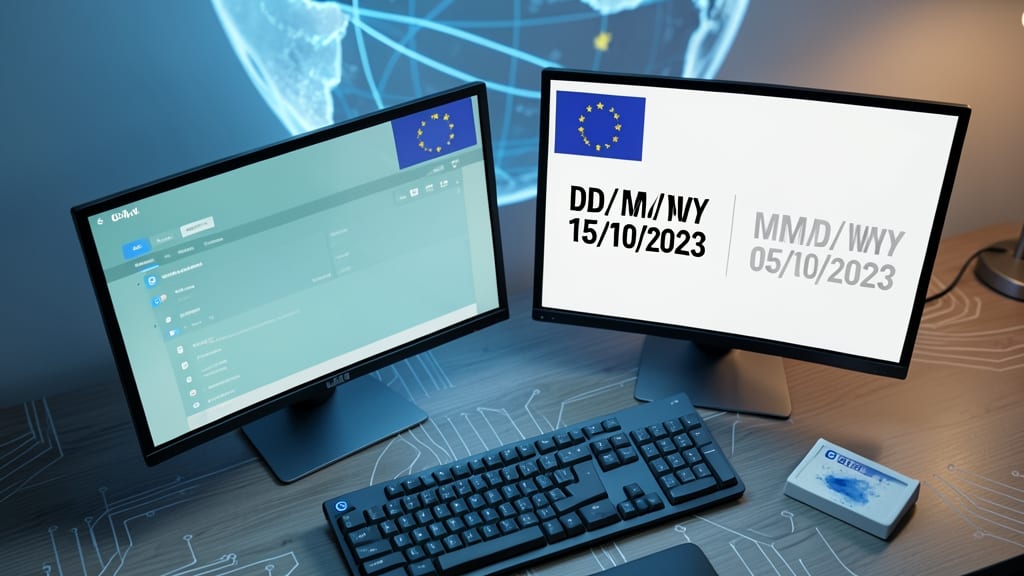
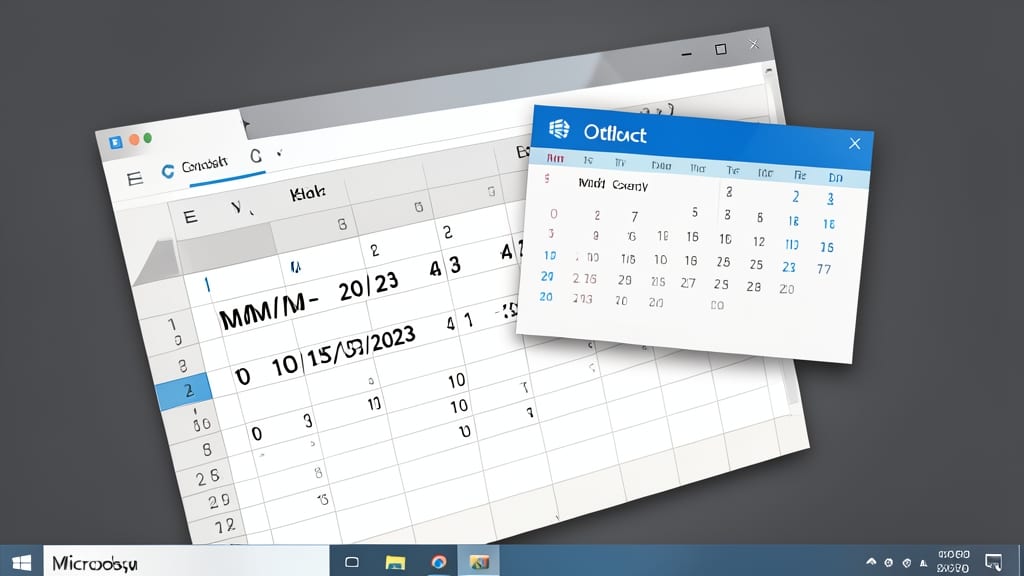
If you're building software for the EU or handling cross-border financial transactions, the European Date Format (DD/MM/YYYY) is non-negotiable. Unlike its US counterpart, this format places the day first, making "15/10/2023" unambiguous in Europe while avoiding the infamous "05/10/2023" confusion that plagues US systems.
Widely used in EU banking systems, legal documents, and government applications, this format ensures compliance with regional standards. The two-digit day/month structure aligns with ISO 8601's principles while accommodating local preferences. For developers working with European clients, it’s the default choice to prevent parsing errors in databases or APIs.
Ideal for cross-border applications, accounting software, and any system interacting with EU institutions, this format bridges the gap between regional requirements and global compatibility. 💻
Unix Timestamp (Seconds Since Epoch)

When backend systems need precise, space-efficient time tracking, the Unix timestamp (seconds since January 1, 1970) is the go-to choice. Unlike human-readable formats, this single integer (e.g., 1697385600) lets developers perform calculations, sort events, and optimize database queries with minimal overhead.
Most programming languages support it natively—Python’s time.time(), JavaScript’s Date.getTime(), and SQL’s UNIX_TIMESTAMP() function all handle conversions seamlessly. It’s also ideal for APIs and logs, where compact storage and fast comparisons matter most. For example, calculating time differences between two timestamps requires just subtraction.
Perfect for developers building high-performance systems, Unix timestamps shine in real-time analytics, caching layers, and distributed systems where every millisecond counts. ⚡
RFC 2822 (Email/HTTP Date Format)
When your email or web server needs to timestamp data in a universally understood way, RFC 2822 is the go-to standard. Unlike machine-friendly formats like ISO 8601, this one prioritizes readability for humans while maintaining strict compatibility—critical for systems like SMTP email headers or HTTP logs.
The format follows a three-part structure: the day of the week (Sun), the date (15 Oct), and the time (12:00:00 GMT). This ensures legacy systems (think old Unix servers or email clients) can parse it without errors, while still being clear to anyone reading it. For example, a header like "Sun, 15 Oct 2023 12:00:00 GMT" works flawlessly across decades of protocols.
This is the default choice for developers working with email APIs, web servers, or logging systems where both machines and humans need to interpret timestamps. It’s the glue that keeps old and new systems talking seamlessly. ✨
24-Hour Military Time (HHMM)

When seconds matter most—like during a surgical procedure or flight takeoff—24-hour military time (HHMM) eliminates confusion by replacing AM/PM with a universal four-digit format (e.g., 1200 for noon or 2345 for 11:45 PM). This format is the backbone of industries where precision timing is non-negotiable.
Used globally in aviation logs, military operations, and healthcare records, military time ensures clarity in high-stakes environments. The format’s simplicity—no colons, no AM/PM—reduces human error, making it ideal for systems requiring machine-readable, unambiguous timestamps. For example, a pilot’s log entry of 0830Z instantly communicates 8:30 AM in UTC without ambiguity.
This format shines in logistics, emergency services, and defense systems, where miscommunication could have critical consequences. If you work in fields where time is a mission-critical variable, military time is your best tool for consistency and reliability. ⚡
Custom JavaScript Date Format (DD-MON-YYYY)
Need a date format that reads well for users but still plays nicely with backend systems? JavaScript’s DD-MON-YYYY (e.g., 15-Oct-2023) strikes the perfect balance for frontend displays in web apps and dashboards.
This format leverages JavaScript’s built-in toDateString() method, which outputs dates in a human-readable way while keeping the underlying data intact. While it’s not machine-friendly like ISO 8601, you can easily convert it to other formats using toISOString() or libraries like Moment.js or Luxon for backend compatibility.
Perfect for developers building user-facing interfaces where clarity matters—just remember to handle parsing carefully when syncing with databases or APIs. ✨