
Tip & Trick
Remote work offers flexibility but exposes you to cyber threats like phishing, malware, and data breaches. These 10 security best practices—backed by IT experts—will help you create an impenetrable digital fortress from anywhere, whether you're working from a café or your home office.
Multi-Factor Authentication for Every Account
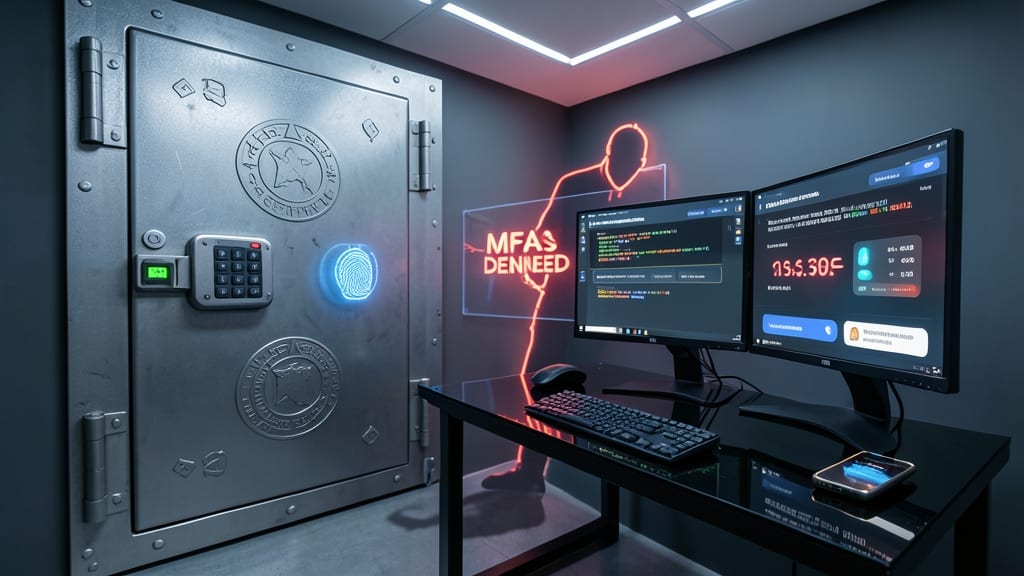
Forget relying solely on passwords—multi-factor authentication (MFA) is the digital equivalent of a high-security vault for your accounts. Even if hackers crack your password (which happens more often than you’d think), MFA adds an extra layer that blocks unauthorized access, slashing account takeover risks by 99.9%.
Most services now support SMS codes, authenticator apps (like Google Authenticator or Authy), or biometric verification (fingerprint/face ID). Setting it up takes minutes and is free on platforms like Microsoft, Google, and Apple. For extra security, hardware keys like YubiKey offer phishing-resistant protection for critical accounts.
This is non-negotiable for email, banking, and work accounts—wherever sensitive data lives. Enable it everywhere, and you’ll sleep better knowing your digital life is locked down tight. 💪
Virtual Private Network on Public Wi-Fi
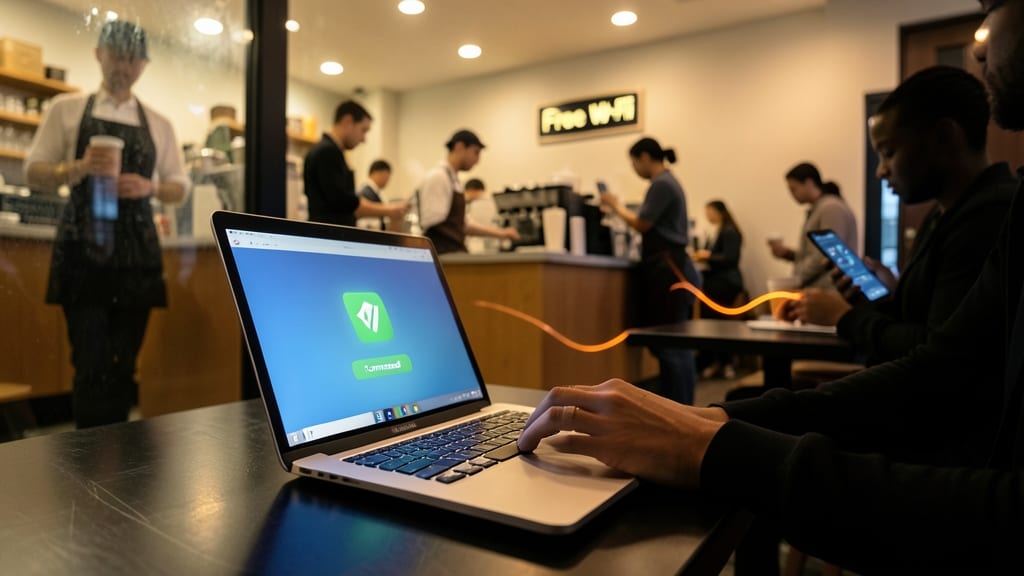
Logging into free Wi-Fi at a coffee shop or airport? That’s an open invitation for hackers to intercept your data—unless you use a VPN. A reliable VPN encrypts all your internet traffic, making it impossible for snoops to steal passwords, credit card numbers, or corporate files while you browse.
Look for providers with military-grade encryption (AES-256), no-log policies, and fast servers in multiple countries. Services like ProtonVPN or NordVPN offer user-friendly apps that auto-connect to secure networks, blocking tracking and malware in one click. Even a free tier (like Windscribe’s 10GB/month) beats risking exposure on public Wi-Fi.
This is non-negotiable for freelancers, remote employees, or anyone handling sensitive work—especially when traveling. One wrong click on a compromised network could expose years of data. ⚡
Password Manager with Strong, Unique Passwords
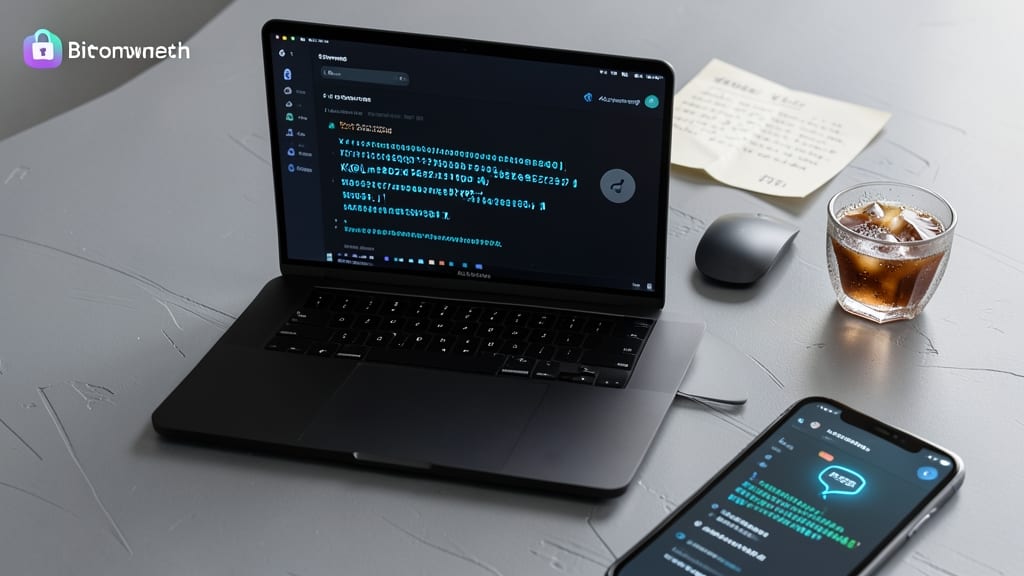
Tired of remembering (or writing down) endless passwords? A password manager like Bitwarden or 1Password eliminates weak credentials by auto-generating 20+ character passwords with symbols, numbers, and uppercase letters—rendering brute-force attacks useless.
These tools sync across devices via AES-256 encryption, so your login vault stays secure even if your phone is lost. Features like shared folders for teams and biometric unlocks add layers of convenience without sacrificing security. Most offer zero-knowledge architecture, meaning only you hold the decryption key.
Perfect for remote workers juggling personal and work accounts—no more sticky notes or "Password123!" risks. 💻
Endpoint Detection and Response Software
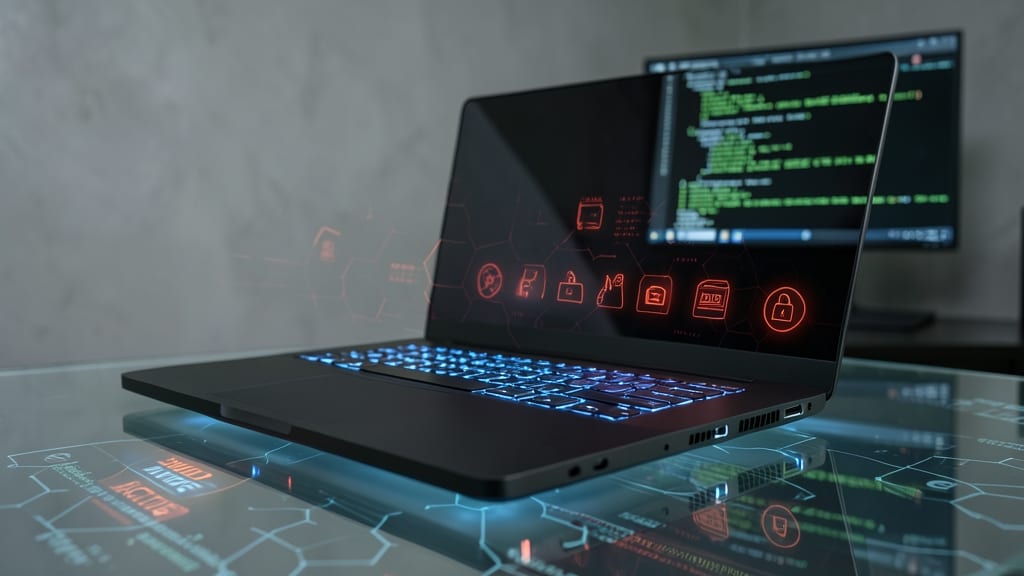
Your laptop might have antivirus software, but that’s not enough to stop today’s sophisticated cyber threats. Endpoint Detection and Response (EDR) software acts as a cybersecurity force field—monitoring your device in real time to detect and neutralize malware, ransomware, and even zero-day exploits before they cause damage.
Solutions like CrowdStrike Falcon or Microsoft Defender for Endpoint provide AI-driven threat hunting, behavioral analysis, and automated responses to suspicious activity. They go beyond traditional antivirus by tracking lateral movement (where attackers hop between devices) and offering forensic insights if a breach occurs. For remote workers handling client data or financial records, this level of visibility is essential.
This isn’t just for IT teams—many EDR tools now offer user-friendly dashboards that alert you to risks without requiring a cybersecurity degree. If you’re working with sensitive data, EDR is the final layer that turns reactive security into proactive defense. ✨
Secure File Sharing with Encryption
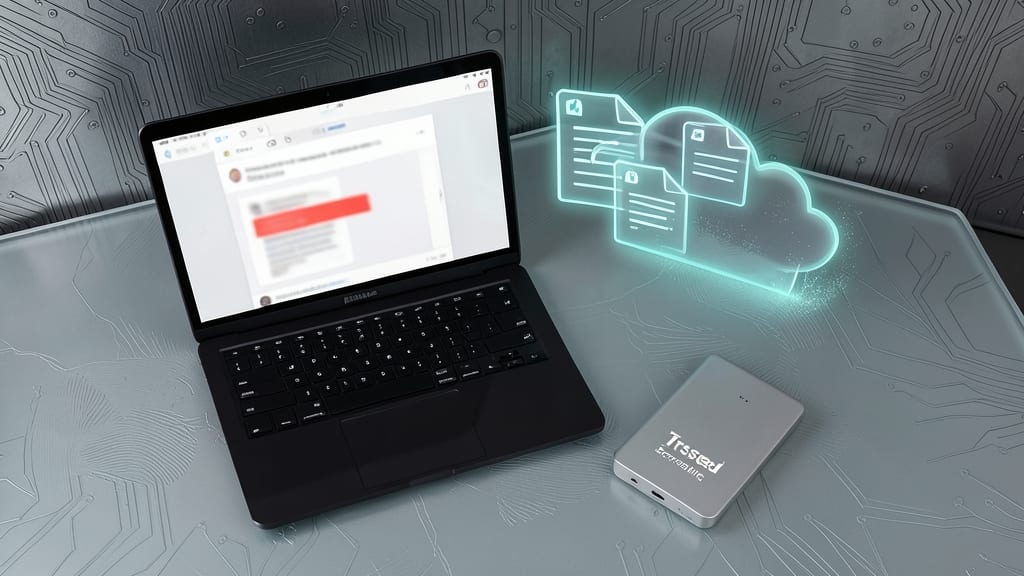
Sending sensitive documents via email or cloud storage? Standard sharing methods leave files vulnerable to interception or unauthorized access. End-to-end encryption ensures only the intended recipient can decrypt and view your files—no backdoor access, even if servers are compromised.
Tools like Tresorit or Cryptomator encrypt files before they leave your device, using AES-256 encryption (the same standard used by governments). You’ll get password-protected links, expiration dates for shared files, and even self-destructing messages for ultra-sensitive data. No IT skills required—just drag, drop, and share with confidence.
This is a must-have for legal teams drafting NDAs, financial advisors sharing client statements, or healthcare workers transferring patient records. Protect your data without sacrificing convenience. ✨
Regular Software and OS Updates
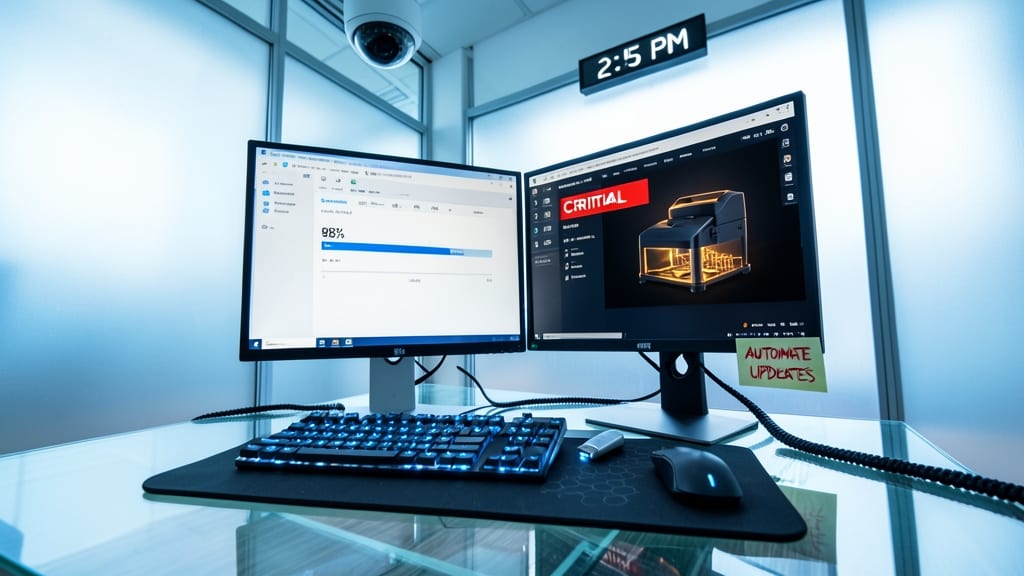
Cybercriminals exploit unpatched software within minutes of discovering vulnerabilities—so waiting for "convenient" update times leaves you exposed. Automating updates for your OS, browsers, and applications closes these gaps instantly, reducing your attack surface by up to 80% before threats even spread.
Modern systems like Windows 11 and macOS Ventura now offer zero-configuration automatic updates, while tools like Patch Management (for enterprises) or Windows Update (for individuals) handle the process silently. Even third-party apps—from Adobe to Zoom—release critical fixes weekly, so enabling auto-updates across all software turns passive protection into an active shield.
This is non-negotiable for remote workers, especially those handling sensitive data. Whether you're a freelancer or corporate employee, one unpatched app can compromise your entire system—so let automation handle the heavy lifting while you focus on work. ✨
Secure Remote Desktop Solutions
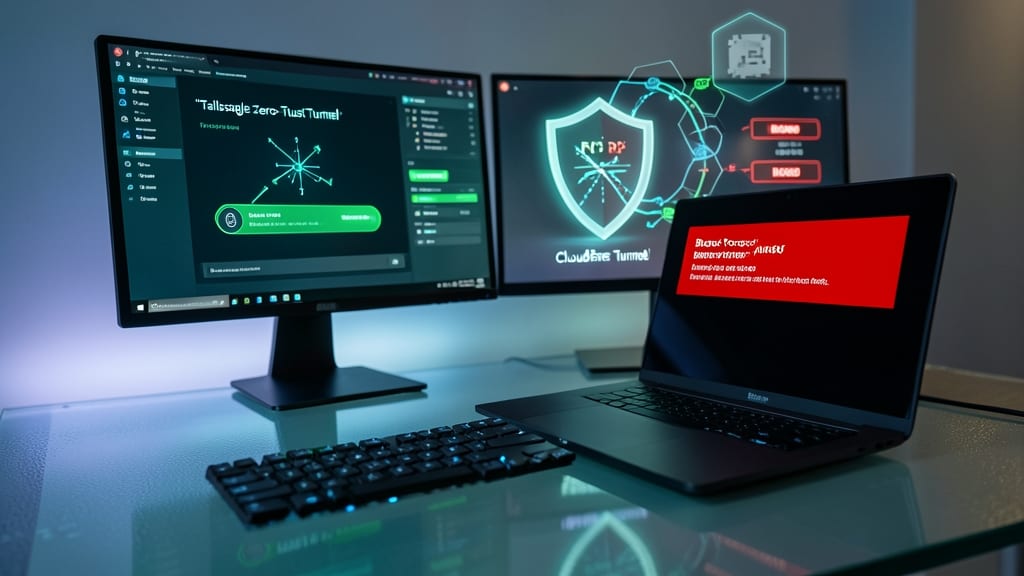
Tired of relying on outdated RDP protocols that leave your work systems exposed to brute-force attacks and session hijacking? Modern zero-trust remote desktop solutions like Tailscale or Cloudflare Tunnel eliminate these risks by encrypting every connection and verifying devices before granting access.
These tools use mutual TLS authentication and end-to-end encryption, ensuring only authorized devices with up-to-date security policies can connect. Unlike traditional RDP, they don’t rely on static IP addresses or VPN gateways—just a simple one-click setup that works across any network. Plus, features like session recording and multi-factor authentication add extra layers of protection for sensitive corporate data.
Perfect for IT admins managing remote teams or employees handling confidential files, these solutions turn "remote access" into a secure, audit-ready process without sacrificing usability. 💻
Phishing Simulation and Employee Training
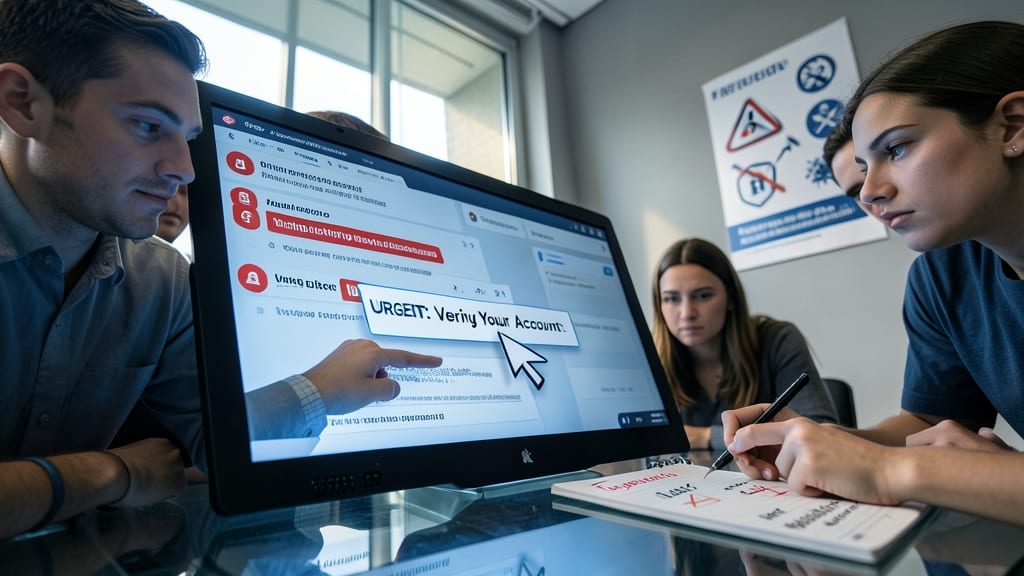
Your team’s best defense against cyberattacks isn’t just firewalls or antivirus—it’s human awareness. Since 90% of breaches start with a tricked employee, phishing simulations and interactive training turn your workforce into a security shield by teaching them to spot red flags like urgent requests, mismatched email domains, or suspicious links.
Platforms like KnowBe4 or PhishMe send realistic, randomized phishing tests (e.g., fake invoices or login pages) and track results in dashboards. Studies show these programs cut click-through rates by 70%—and the best ones include gamified quizzes and role-playing scenarios to reinforce lessons. The ROI? Fewer breaches, lower insurance premiums, and a culture where security isn’t just IT’s job.
Ideal for SMBs to enterprises, this isn’t a one-time seminar—monthly simulations keep skills sharp. Even solo freelancers can use free tools like Google’s Security Checkup to test their own vigilance. 💪
Device Encryption and Physical Security
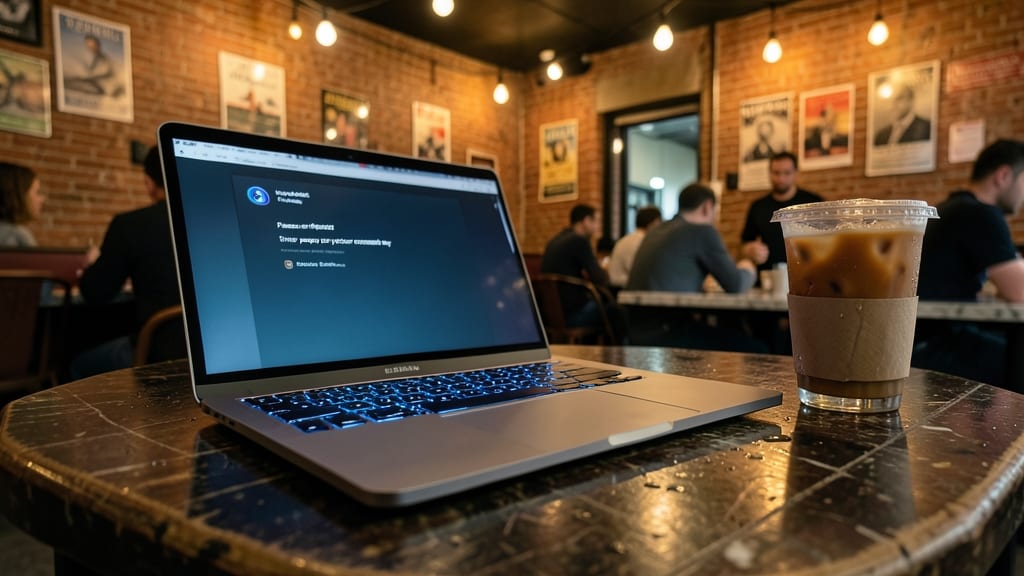
What if your laptop gets stolen—or worse, you accidentally leave it in a café? Without full-disk encryption, your work files, passwords, and personal data could be exposed in minutes. Tools like BitLocker (Windows) or FileVault (macOS) lock everything behind a password or biometric scan, making unauthorized access nearly impossible.
These solutions encrypt your entire drive, including the operating system itself. BitLocker uses AES-256 encryption, while FileVault integrates seamlessly with Apple’s ecosystem. Even if a thief bypasses your login screen, they’ll hit a dead end without your recovery key. Pair this with a cable lock for physical security, and you’ve added a critical layer of defense.
This is a must for freelancers, executives, and anyone handling sensitive data. Whether you’re traveling or working remotely, encryption ensures your data stays yours—no matter what happens to your hardware. 🔧
Incident Response Plan for Breaches

Even the best security measures can fail—when they do, having an incident response plan in place turns chaos into control. A well-documented plan ensures your team knows exactly what to do during a breach, from isolating affected systems to notifying stakeholders and restoring operations without unnecessary delays.
Start with a predefined detection protocol (e.g., monitoring tools like Splunk or SIEM systems) to spot anomalies early. Outline clear containment steps, such as disconnecting compromised devices or revoking access tokens. Include a communication escalation ladder with roles like IT, legal, and PR to handle media and regulatory reporting efficiently. Template plans from frameworks like NIST SP 800-61 provide a solid foundation for customization.
This isn’t just for IT teams—small businesses and freelancers should also have a simplified plan for ransomware or data leaks. A tested response plan reduces downtime by up to 60% and minimizes legal exposure. 💪